広告のパーソナライゼーション、リマーケティング、広告のパフォーマンス分析など、広告に使用されるクッキーを管理します。
2.5.2.2.2.4. Enable binary data transfer mode in Total Commander
Use binary data transfer mode so that Total Commander does not alter the contents of script files (e.g., JavaScript) when uploading them via FTP.
To enable binary data transfer mode, use any of the following methods:
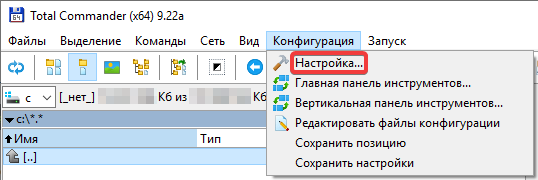
- In the main menu, select "Configuration → Setup":
 In the "Operation → FTP" section, select "Binary (zip, doc, etc.)" in the "Default mode" field: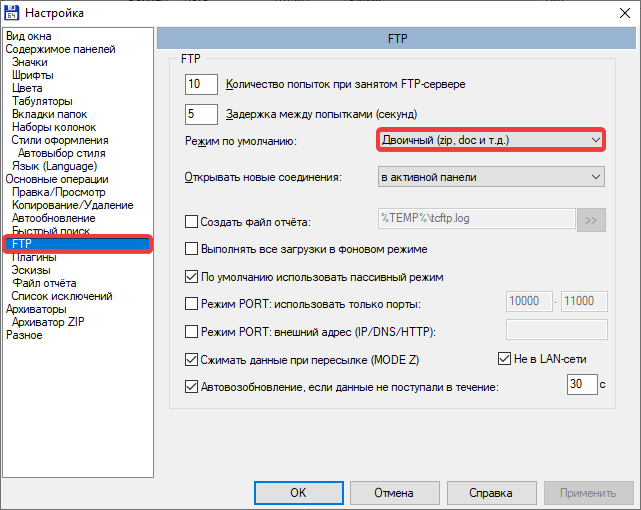
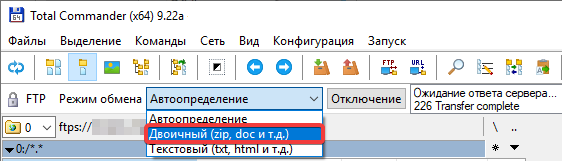
- For an active FTP connection, in the upper part of the main window, click the data transfer mode toggle button:
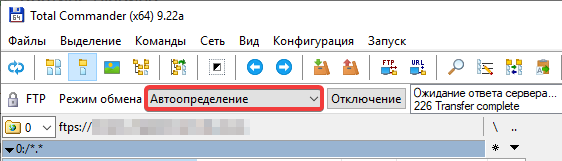 In the menu, select "Binary (zip, doc, etc.)":