広告のパーソナライゼーション、リマーケティング、広告のパフォーマンス分析など、広告に使用されるクッキーを管理します。
2.6.1.2.6. MySQL Workbench
MySQL Workbench — a unified visual tool for database developers, administrators, and architects.
Set up
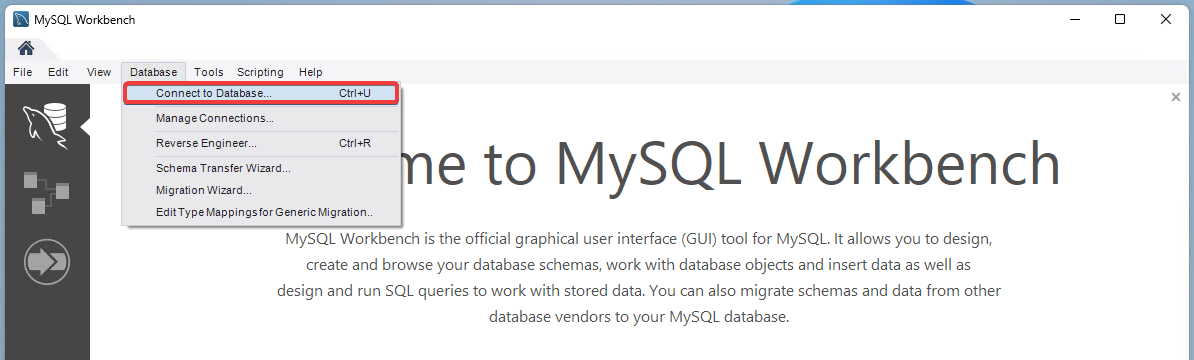
- In the main menu, select "Database → Connect to Database" or press Ctrl+U:
- In the "Connection Method" field, select "Standard (TCP/IP)" and, on the "Parameters" tab, enter the connection details:
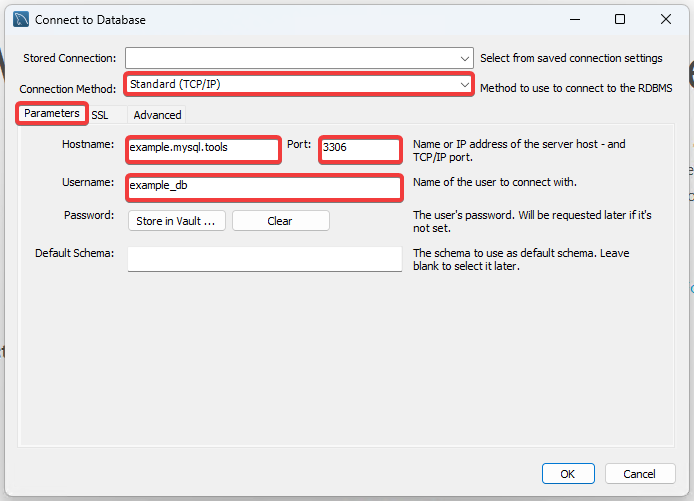
- "Hostname" — database host.
- "Port" —
3306. - "Username" — database user login.
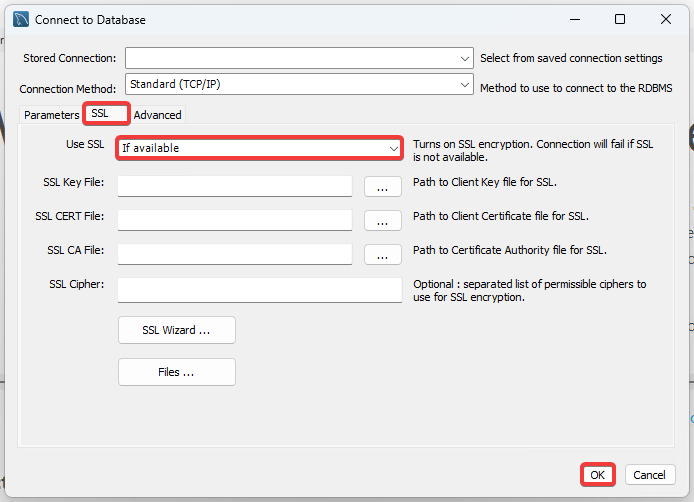
- On the "SSL" tab, in the "Use SSL" field, select "If available" and click "OK":
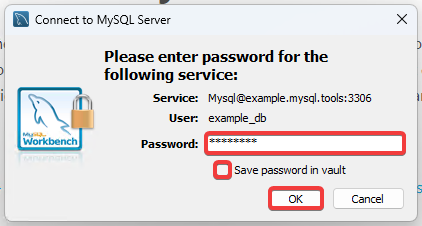
- Enter the database user's password. If you want to save the password, select "Save password in vault", then click "OK":